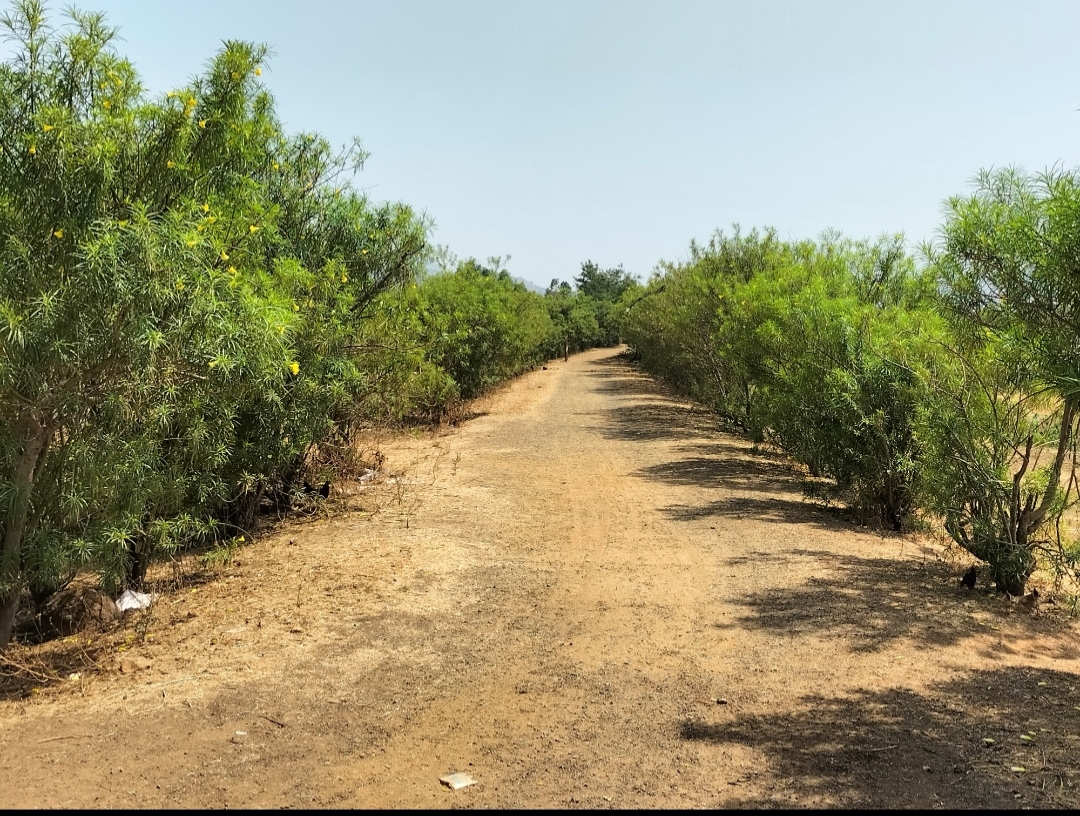
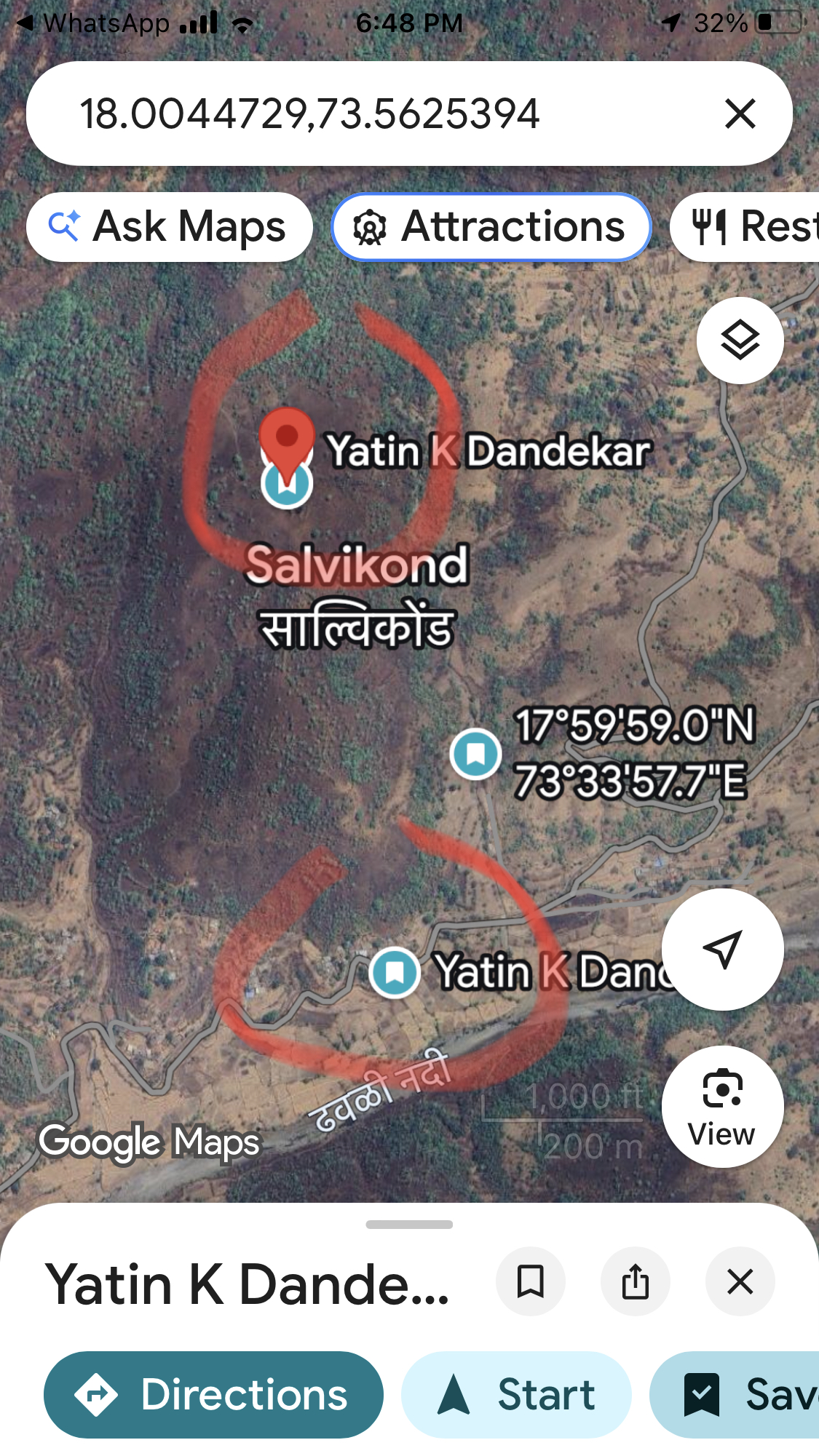
Property Description
Running a property ad on Meta (Facebook and Instagram) involves a few key steps, especially because real estate falls under the Special Ad Categories and has specific compliance rules you must follow.Here is a step-by-step guide focusing on both the setup and the necessary policy compliance.🏠 Step 1: Set Up Your Account EssentialsBefore running any ads, ensure you have the foundational structure in place: * Create a Facebook Business Page: Your ads will run from this page. * Set up Meta Business Manager: This is your central hub for all advertising assets. * Create a Meta Ad Account: This is where you manage your campaigns and budget. * Install the Meta Pixel (Optional but Recommended): The Pixel helps track actions on your website (like form submissions or property views) for better optimization and retargeting.🚧 Step 2: Policy Compliance (Crucial for Housing Ads)Due to anti-discrimination policies, Meta has strict rules for ads related to housing, employment, and credit. You must declare your ad under the Housing Special Ad Category.Key Targeting Restrictions: * Select "Housing" as the Special Ad Category when creating the campaign. * Location: You must use a minimum radius (e.g., 15 miles in the U.S.) around a location. You cannot target by ZIP code or use overly specific geographic exclusions. * Age and Gender: You cannot restrict by age (it must be 18–65+) or gender. * Detailed Targeting: Many demographic, behavior, and interest-based targeting options are limited or unavailable. You must rely on broader targeting or Meta's Special Ad Audiences. * Ad Copy: Avoid language that suggests exclusivity or discrimination (e.g., "Perfect for young families," "No renters"). Use inclusive, factual language about the property.🎯 Step 3: Create Your Campaign in Ads Manager1. Choose Your Campaign ObjectiveSelect an objective that aligns with your goal. For real estate, the most common are: * Leads: To generate contact information using a Meta Instant Form (highly effective). * Traffic: To send users directly to your website's property listing. * Conversions: To track specific actions (like an application or viewing request) on your website (requires the Meta Pixel).2. Declare the Special Ad CategoryAt the campaign level, you must check the box and select Housing. This is non-negotiable for property listings and related services (like mortgage financing or homeowners insurance).3. Set Your Budget and Schedule * Choose a Daily Budget or a Lifetime Budget. * Set your start and end dates.⚙️ Step 4: Define Your Ad Set (Targeting and Placement)1. Location TargetingSelect the general city or region where the property is located, and ensure you comply with the minimum radius requirement.2. AudienceSince detailed targeting is restricted in the Housing category, you will rely on: * Broad Interests: Use the remaining allowable interests (e.g., "Real Estate," "Zillow," "Home & Garden"). * Custom Audiences: Target people who have already engaged with your Facebook Page, viewed your website (via the Pixel), or are on your email list. * Special Ad Audiences: These are Meta's compliant versions of Lookalike Audiences.3. PlacementsChoose where your ad will appear (Facebook Feed, Instagram Stories, Reels, Audience Network). Advantage+ Placements (recommended) lets Meta's AI optimize delivery across all platforms.🖼️ Step 5: Design Your Ad CreativeThis is the most critical step, especially with restricted targeting. Your creative and copy must do the work of filtering your audience. * High-Quality Visuals: Use professional, high-resolution photos or engaging video tours. Video (especially short, mobile-first vertical video) often performs very well. * Compelling Headline/Copy: * Focus on Lifestyle/Benefits: Instead of just "3 Bed, 2 Bath," try "Spacious Family Home with Sunny Backyard Deck." * Include Key Details: Price, bedrooms, location, and square footage should be prominent. * Create Urgency: "Limited showings available this weekend." * Strong Call-to-Action (CTA): Use buttons like "Learn More," "Book Now," or "Contact Agent."✅ Step 6: Review and Publish * Review: Double-check your entire setup: objective, Special Ad Category selection, targeting, budget, and creative. * Publish: Click the "Publish" button. Your ad will go into a review process, which can take a few minutes to several hours.Would you like me to find some current, high-performing examples of property ads in the Meta Ad Library for inspiration?
Property Details
- Power Backup: Yes
- Water Source: Yes
- Gated Community: Yes
Amenities
- Modern irrigation system
- Organic farming potential
- Beautiful landscapes
- Water Supply
- Swimming Pool
- Garden
- Farmhouse
- Electricity
- Sewage
- Internal Road
- Security Guard
Location
- Address:Kinhalmakadi, Maharashtra, India
- Country: India
- State/Country:Maharashtra
- Neighborhood: Butibori
- Zip/Postal Code: 441108
- City: Nagpur